Image Upscaler for crisp 2x, 4x, and 8x results
Upscale product shots, portraits, screenshots, and legacy photos with a clean two-mode workflow. Standard keeps things fast. Pro pushes sharper textures and stronger facial cleanup.
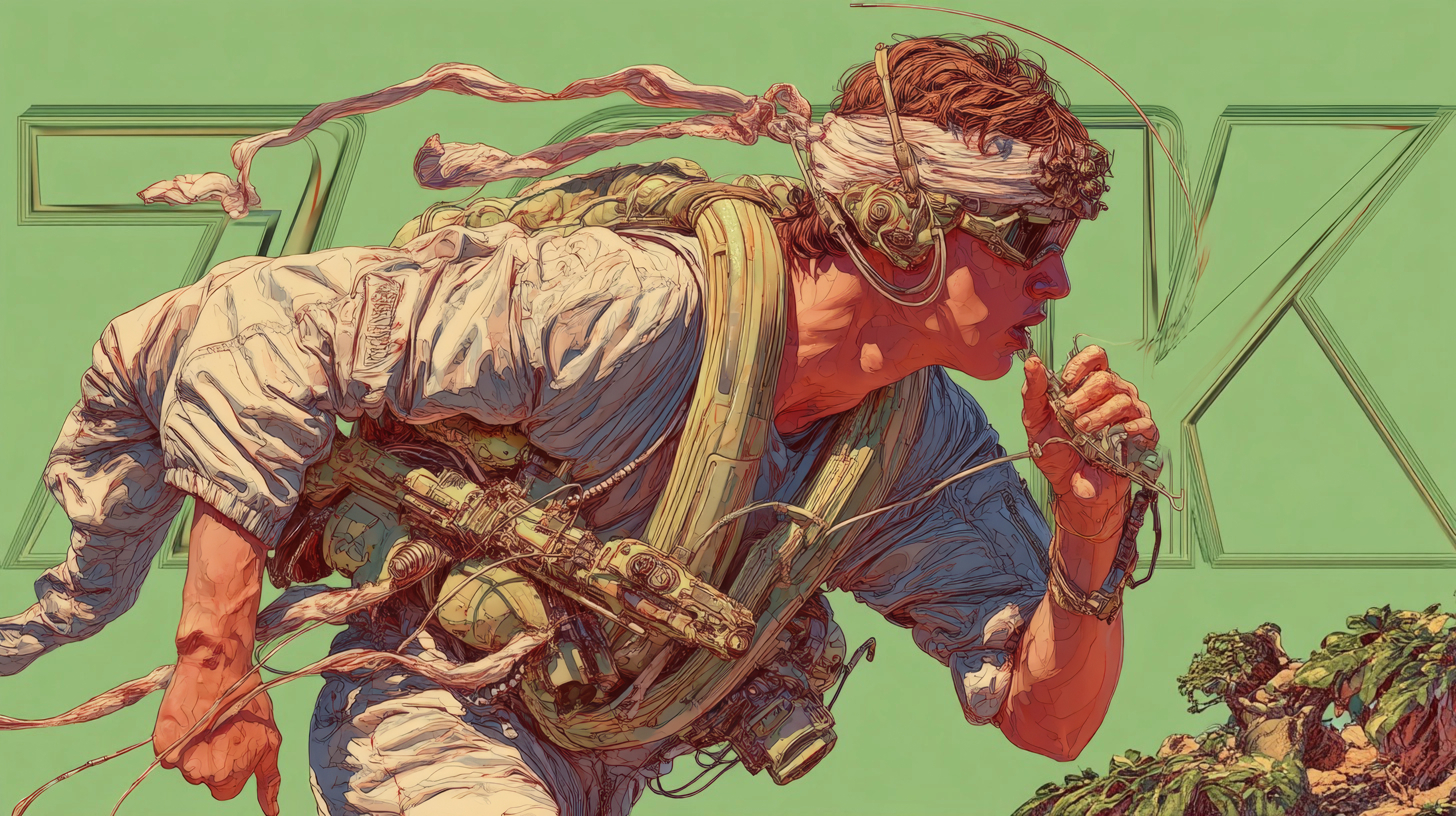
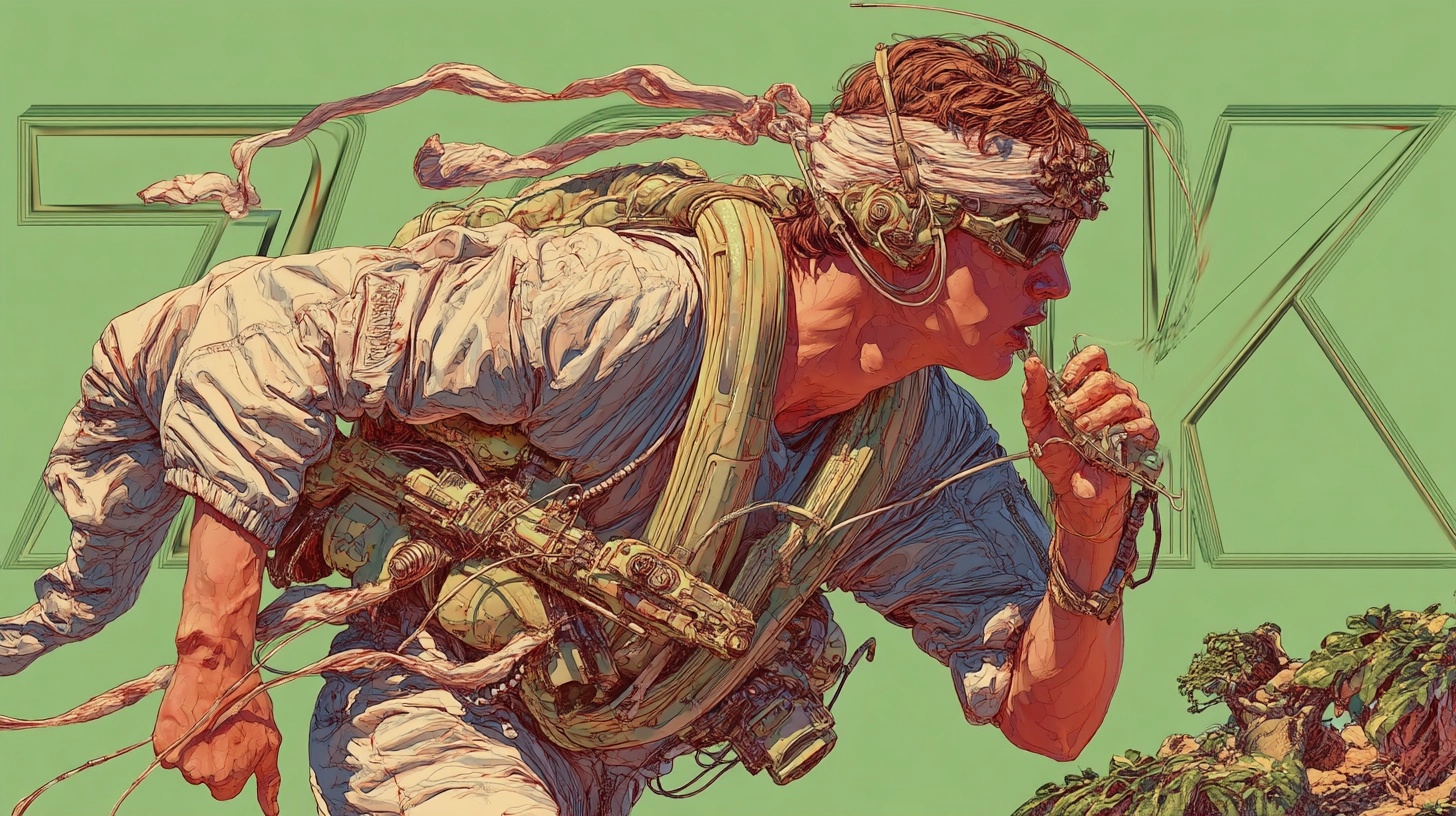
Pro 4x
A featured upscale sample is loaded by default. Upload your own image any time.
Fast upscaling with face enhancement enabled by default.
Higher quality upscaling with stronger detail and face recovery.
Drop an image here or click to upload
Supports JPG, PNG, and WebP. Sign in before processing.
Fixed upscale tiers for predictable output size
Fast turnaround for standard and premium runs
Pick Standard for speed or Pro for stronger detail
Default face cleanup helps portraits and profile shots
How to upscale an image online
A simple three-step workflow tuned for fast single-image enlargement.
Upload your source image
Start with a portrait, product shot, screenshot, or scanned photo.
Choose mode and scale
Pick Standard or Pro, then lock in 2x, 4x, or 8x output.
Render and download
Wait a few seconds, review the enlarged result, and download the final file.
Why use ImgUnblur Image Upscaler
Built for practical enlargements instead of vague one-click promises.
Two dedicated upscale models
Switch between a faster everyday mode and a stronger pro mode depending on the image.
Fast single-image workflow
Upload, upscale, and download in one focused panel without extra setup.
Useful across common image types
Portraits, ecommerce imagery, screenshots, and scanned prints all benefit from the fixed scale modes.
Transparent credit pricing
Standard always costs 2 credits and Pro always costs 10 credits.
Sign-in gated processing
Runs stay tied to your account credits instead of anonymous third-party uploads.
Sharper output with stronger face recovery
Both modes target cleaner facial structure, while Pro adds heavier restoration for demanding shots.
Where image upscaling helps most
Use the same page for routine enlargements, presentation assets, and archive recovery.
Portrait photos
Recover sharper faces before sharing or printing
Portraits often lose eye detail and skin texture after cropping or messaging app compression.
Upscale the frame with default face enhancement so the final image reads cleaner at larger sizes.
Great for profile photos, family albums, and creator headshots.
Products and objects
Make listing images look larger and cleaner
Marketplace photos often need bigger outputs without looking artificially stretched.
Use 4x or 8x output to increase size while preserving edges, contours, and surface detail.
Useful for ecommerce images, catalog updates, and ad creatives.
Screenshots and text-heavy captures
Improve legibility when the source is too small
Low-resolution screenshots become muddy fast when reused in docs, decks, or tutorials.
Upscale the source before reuse so UI edges and key text blocks remain more readable.
Perfect for presentations, blog tutorials, product docs, and support articles.
Scanned and legacy photos
Create larger files for cleanup or reprint prep
Old scans may be too small for restoration work, reframing, or modern displays.
Enlarge first, then move into restoration or editing with a higher-resolution starting point.
Best for family archives, printed keepsakes, and digitized historical photos.
Image Upscaler FAQ
What to know before running Standard or Pro.
Need a larger, sharper image now?
Run the Image Upscaler, compare the result instantly, and download the enlarged file in one place.
